Managing the Instructors widget is made easy. Head to tools.ipstudio.co then:
- Locate the ‘Instructors‘ widget on your dashboard then click Action button located next to the ‘Events’ widget. From the dropdown menu, select ‘Edit‘
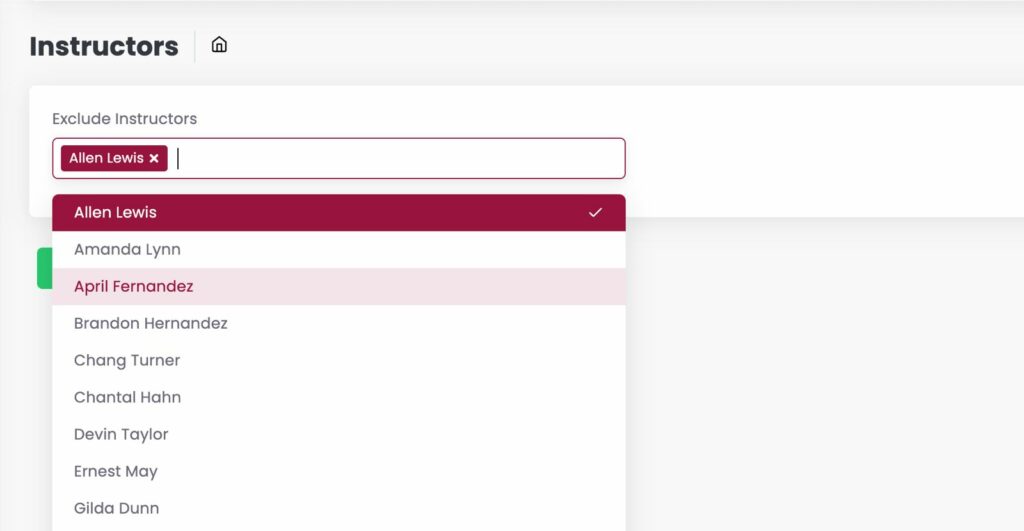
- Input the Instructors you wish to exclude from the widget by typing or selecting their names from the drop down.
- When done click Save.
Please note:
- Instructors, profiles, images, social handles are managed at the Employees tab at tenant.marianatek.com/admin in order to appear in the Events integration.
- Instructor integration data refreshes every 30min at your tools.ipstudio.co integration.
Need assistance? Contact support@ipstudio.co we’re happy to help!