To access the code for the ‘Instructors’ widget, please head to tools.ipstudio.co and follow these steps:
- Locate the ‘Instructors‘ widget on your dashboard then click Action button. From the dropdown menu, select ‘Get Code’ then copy
- Paste the copied code in your website <head>
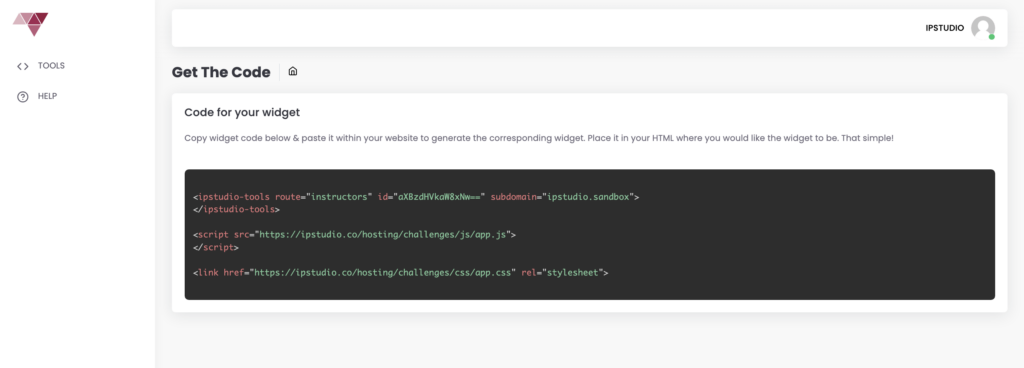
Once the widget code is installed at your website your Instructors will begin to appear.
Need assistance? Contact support@ipstudio.co we’re happy to help!