Login to your IPSTUDIO CRM YourSubDomain.ipstudio.co using the credentials provded to you by IPSTUDIO Select Live By IPSTUDIO™ Select a live stream location Select 'SELECT' for the class…
Kenyon Brown·Updated December 20, 2020
Login to your IPSTUDIO CRM YourSubDomain.ipstudio.co using the credentials provded to you by IPSTUDIO
Select Live By IPSTUDIO™
Select a live stream location
Select ‘SELECT’ for the class sessions you wish to configure a live stream for
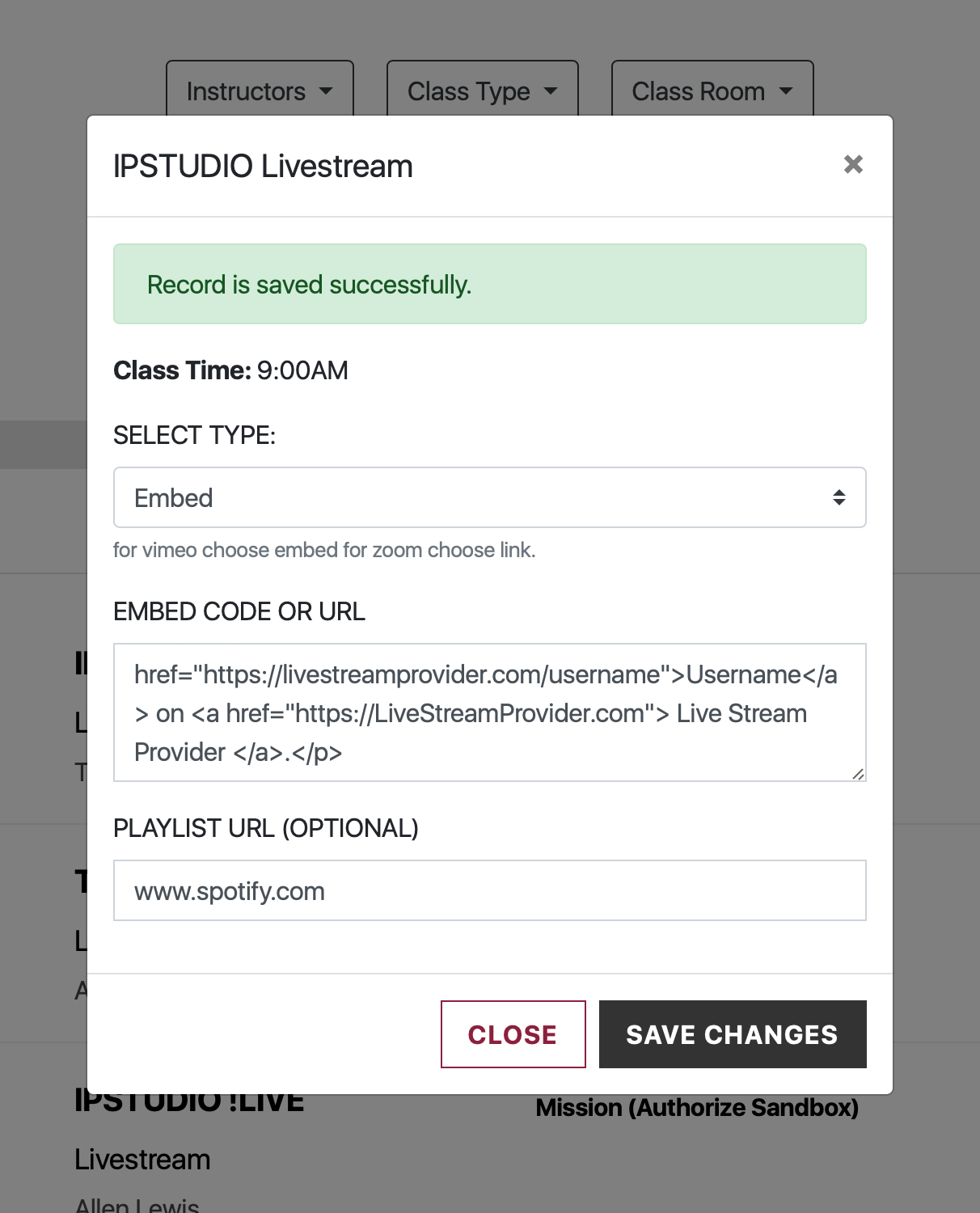
Configure the stream:
Toggle between ‘Embed Code’ and ‘Link’
Insert a live stream embed code or link
Insert the optional playlist link (Displays at the top of live streams for users to click)
Save & close
Repeat steps 4 & 5 until all upcoming live stream class sessions have been configured